Your family's important documents, private and in one place.
FamilyVault keeps IDs, legal papers, insurance, financial and healthcare information organized in your own private iCloud, locked with Face ID. We have no servers, so there is nothing for us to see.
Peace of mind, built in

Private by design
Everything lives in your own iCloud account. FamilyVault has no servers, so we can never see your data.

Locked with Face ID
Face ID, Touch ID or your passcode is required every time you open the app.

Ready in minutes
Six starter folders come with suggested items, so you are never facing a blank page.
Smart folders for what matters
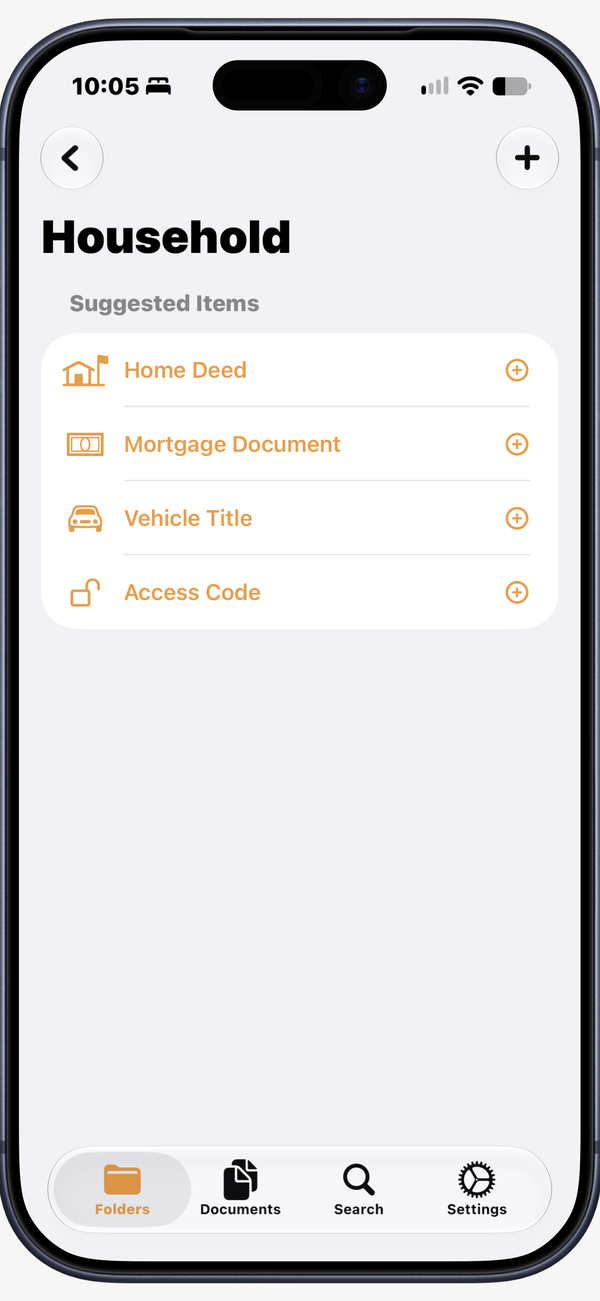
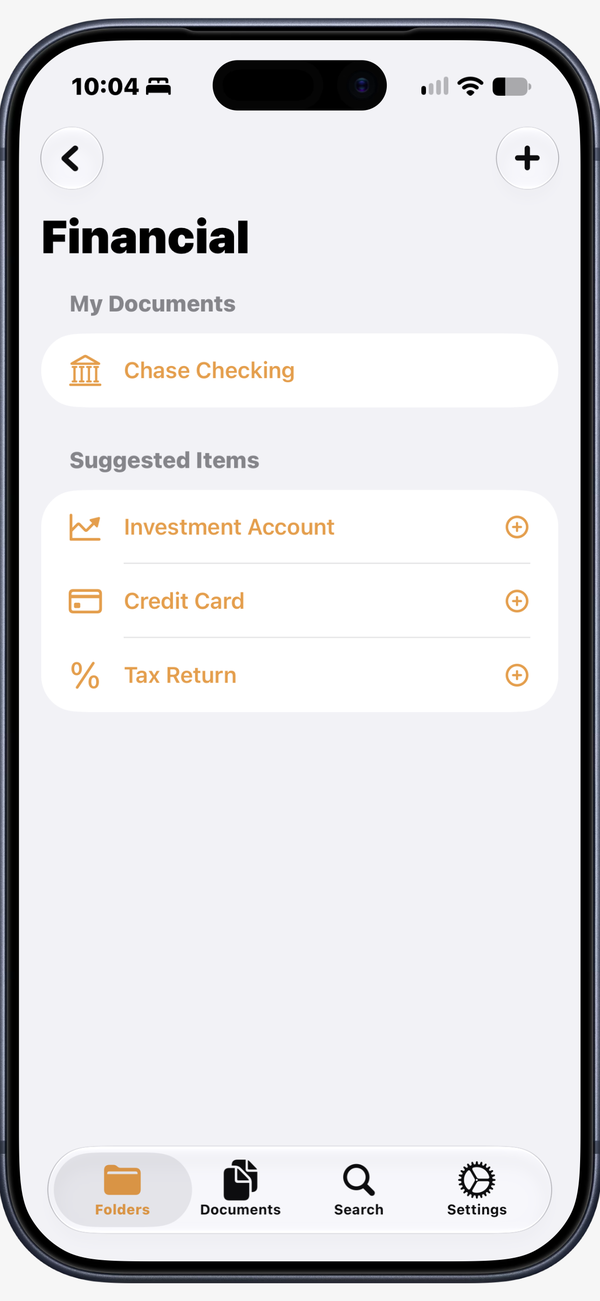
Start with six folders: IDs, Legal, Financial, Insurance, Healthcare and Household. Each one suggests what to add, with ready-made fields, so nothing important gets left out.
Need something else? Create your own folders. Sensitive fields like account numbers are hidden until you choose to show them.
-
Passports, wills, policies, deeds and more
-
Suggested items you can add or skip
-
Notes and custom fields on every item
-
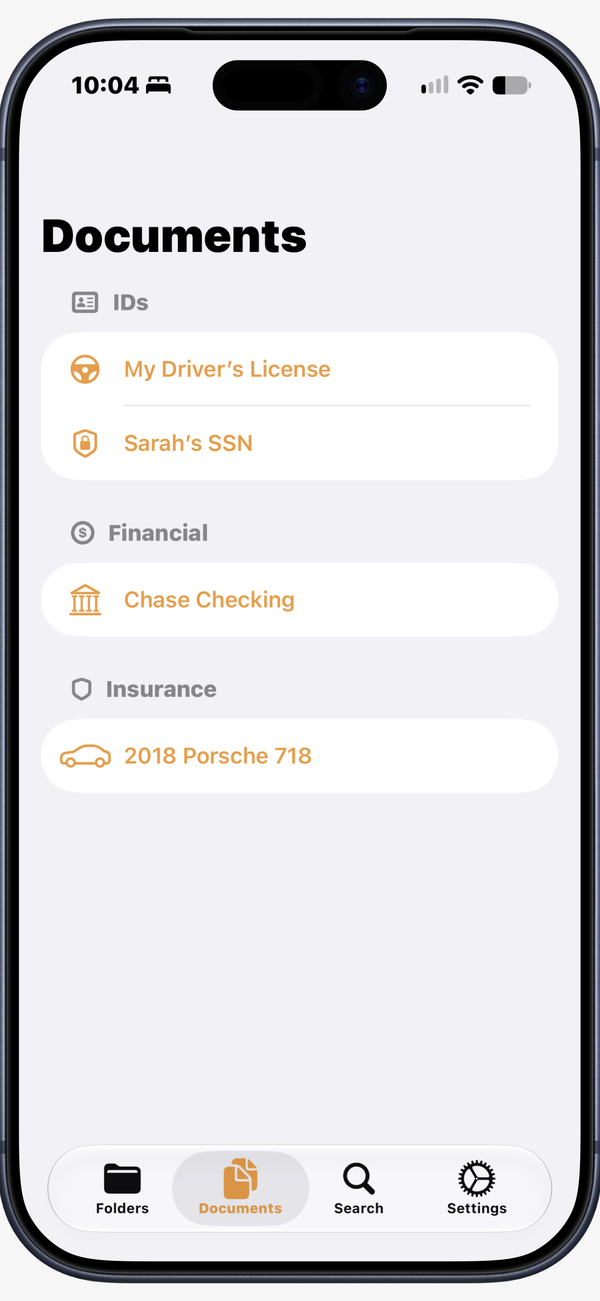
Search across titles, notes and scanned text
Scan it, find it, fill it in
Scan paper documents with your camera, or import photos and files. Text in your scans is recognized automatically, so you can search for it later.
On supported iPhones and iPads, Apple Intelligence can suggest details such as a policy number. It runs on your device, and you review every suggestion before anything is saved.
-
Camera scanning with automatic edge correction
-
Import PDFs, photos and files
-
On-device extraction, nothing leaves your phone
-
You approve each detail before it is saved
Share with the people you trust
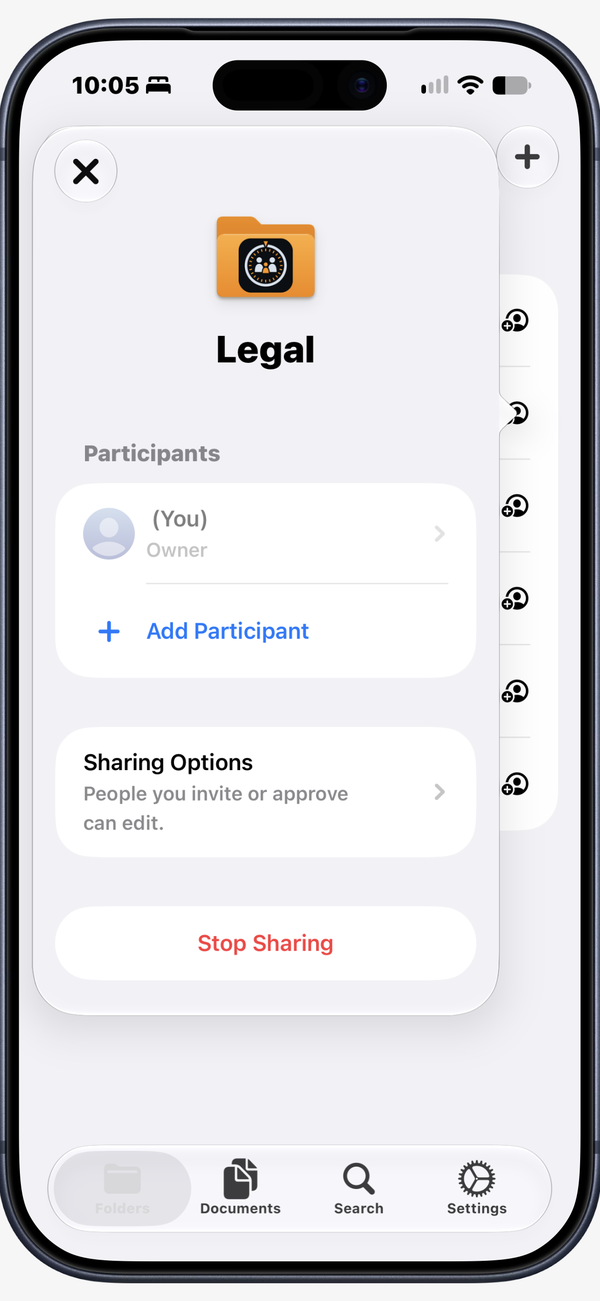
Invite a spouse or family member to a specific folder. They see only what you share, and you choose whether they can view or edit.
You can see who has access and remove people at any time.
-
Share one folder at a time
-
Choose view or edit access
-
Only the people you invite can open it
-
Remove access whenever you like
Private and secure
FamilyVault stores your data in your own private iCloud account, encrypted by Apple. We run no servers and cannot see your information.
The app locks every time you leave it, and Face ID, Touch ID or your passcode is needed to open it again.
-
No account to create
-
No servers, no tracking, no ads
-
Locks automatically when you leave the app
-
Recently Deleted keeps mistakes recoverable
See FamilyVault in action
Folders, documents and sharing, all in one app on iPhone and iPad.


